


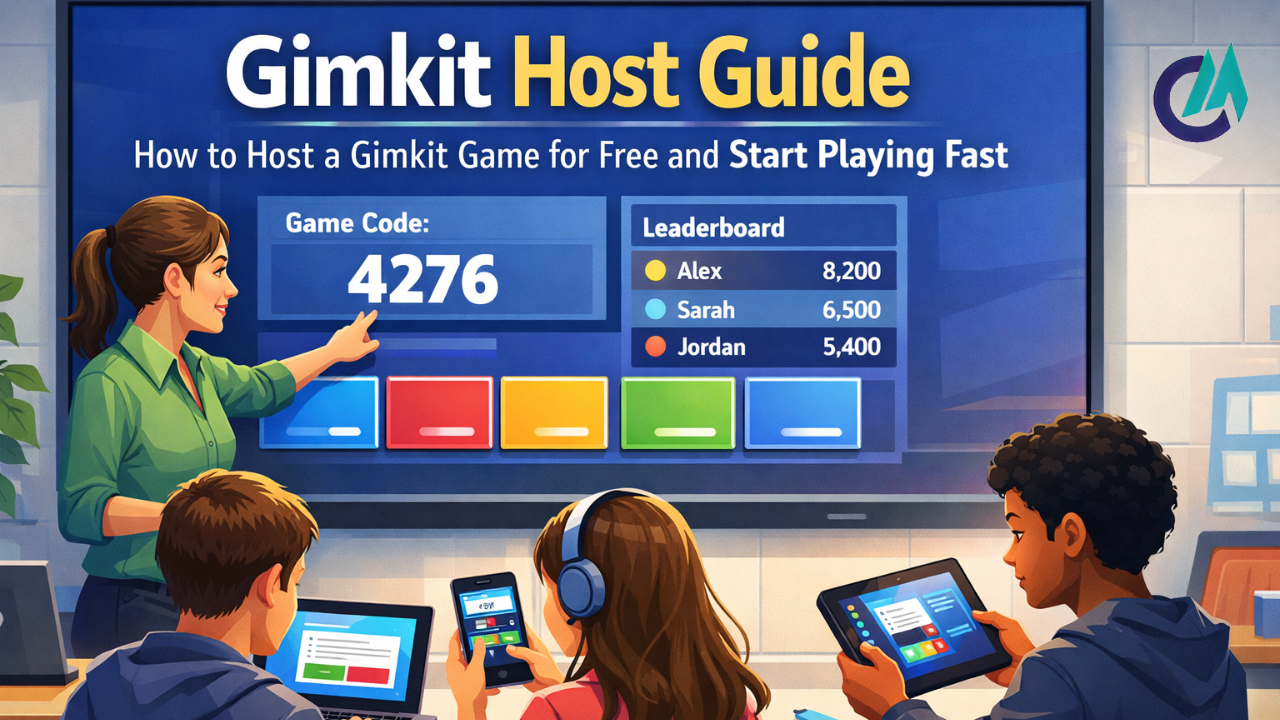
Running a Gimkit host game is a powerful way to turn ordinary lessons, practice sessions, or group activities into something lively and memorable. Whether you’re a teacher reviewing material with a class, a student organizing a study group, or someone leading a team activity, knowing how to host a Gimkit effectively can significantly improve the experience. When the host understands how the system works, the game runs more smoothly, is more engaging, and is more enjoyable for everyone involved. This guide covers the essentials of being a Gimkit host, setting up a host game, using Gimkit host’s free features, and confidently hosting a game from start to finish without unnecessary confusion.
Gimkit is built to make quizzes feel more like games than tests. Instead of simply answering a question and moving on, players are drawn into an experience in which every correct response serves a purpose. Right answers earn in-game currency, and that currency can be spent on upgrades that influence how the game unfolds. These upgrades add a layer of strategy, prompting players to consider timing, risk, and choices rather than just memorizing facts, making the experience more engaging and dynamic.
A Gimkit host is the person who steers the entire session. From selecting questions and deciding which game mode to use, to setting the rules and sharing the join code, the host controls how everything runs. Those decisions matter more than people often realize because they shape how engaged players stay and how smoothly the game progresses. When the host takes a little time to prepare and make thoughtful choices, the result is a game that feels organized, fun, and motivating rather than rushed or confusing.
What Is a Gimkit Host Game
A Gimkit host game is a live, shared session in which one person runs the game and everyone else joins using a unique code. The host decides when the game begins and when it concludes, while participants join via their devices and answer questions as the game unfolds. Everything happens in real time, which keeps the pace brisk and keeps players engaged from start to finish.
In a Gimkit session, the responsibilities are clearly split between the host and the players. Players can stay focused on answering questions and using in-game features without worrying about how the game is running in the background. Meanwhile, the host monitors overall progress, checks the leaderboard, and adjusts settings as needed. The game follows a natural rhythm: players join in the lobby, move into the main gameplay, and finish with results showing how everyone performed.
How to Host a Gimkit Game
Before you can host a game on Gimkit, you’ll need to set up an account. The sign-up process is simple and doesn’t require payment details so that you can get started without barriers. Once you’ve created your account and logged in, you’re taken straight to the dashboard, where you create content, launch games, and manage all hosting-related tasks.
From the dashboard, you can either pick a kit you’ve already made or build a new one from scratch. Once your kit is ready, click on the “Play live” button to start setting up your game. You’ll then choose a game mode and fine-tune settings like time limits, objectives, available power-ups, and whether late players can join. When everything is set, Gimkit generates a unique code for your session. Share this code with your players so they can join and participate in the game.
Once all players have joined and are ready, you can begin the game. While the session is underway, you can keep track of how everyone is doing, pause the game if necessary, or end it whenever you choose. The hosting controls are straightforward and user-friendly, making it easy for even someone running a game for the first time to manage everything smoothly.
Hosting Gimkit for Free
One of the most significant benefits of Gimkit is that you can host games for free. Even on the free plan, you can create your own kits, run live sessions, and invite players. This makes it a practical choice for classrooms, study groups, or casual sessions with friends, with no cost or complex setup.
The free version of Gimkit gives you access to the main game modes and basic customization features. While it has some limitations—such as fewer advanced modes and a limit on the number of kits you can store—it still offers everything most users need for a typical session. For those who host occasionally or run small-group games, the free tier provides excellent value and delivers the whole interactive experience with no significant compromises.
Host Controls and Game Settings
As the Gimkit host, you have a range of tools to guide how the game unfolds. You can select from various game modes, each bringing its own style and challenges. Some modes are centered on individual performance, encouraging players to compete independently, while others emphasize teamwork or strategic decision-making, giving the session a more collaborative or tactical feel.
The game settings give you control over nearly every aspect of the session. You can set how long the game will run, decide what players need to do to win, turn power-ups on or off, and choose whether latecomers can join. Additionally, you can manage participants directly, removing inappropriate names or handling players who arrive late. These options make it easy to keep the game organized and ensure everyone stays focused on the session’s objectives.
Tips for a Smooth Gimkit Host Experience
Being prepared is essential for running a smooth Gimkit session. Take the time to review your questions in advance to ensure they are clear and relevant to your players. At the beginning of the game, explain the rules and how scoring works so everyone understands what to do and there’s no confusion as the session gets underway.
It’s essential to foster fair play and respectful behavior, especially when running games for groups. Switching up game modes from session to session can keep things fresh and maintain players’ interest, particularly if you host frequently. Pacing also plays a significant role—running the game too quickly or too slowly can reduce engagement. A well-paced session keeps players involved and energized, making the experience both fun and effective.
Troubleshooting Common Host Problems
Players may sometimes struggle to join a game due to invalid codes or slow internet. It’s a good idea to verify the game code before starting and give everyone enough time in the lobby to connect. If the game lags, pausing for a moment or restarting the session can usually resolve the issue and get everyone back on track.
If you need to end a session early, the host can manually close the game. Being familiar with these basic troubleshooting steps helps you stay in control and ensures the session runs smoothly, even when unexpected technical issues come up.
Conclusion
Mastering how to host Gimkit effectively allows you to create sessions that are not only fun but also meaningful and engaging. Whether you’re using the free version or exploring additional features, the platform gives you everything you need to run smooth, interactive games. From building your kits and selecting the proper game mode to managing players and reviewing performance afterward, hosting becomes straightforward with some preparation. With the tips and guidance in this guide, you can confidently lead Gimkit games that leave a lasting impression on everyone who plays.
Read More: Kialodenzydaisis: Mechanisms of Harm, Medical Treatment, and the Healing Process.
